

For POStik restaurant owners
Run the whole restaurant from one till, and check on it from anywhere.
POStik takes orders, prints KOTs, runs the kitchen screens and keeps the books on your counter PC, even without internet. Sign in here to see your sales, menu, staff and reports wherever you are.
The demo needs no account. New to POStik? See what it does
Billing that keeps up
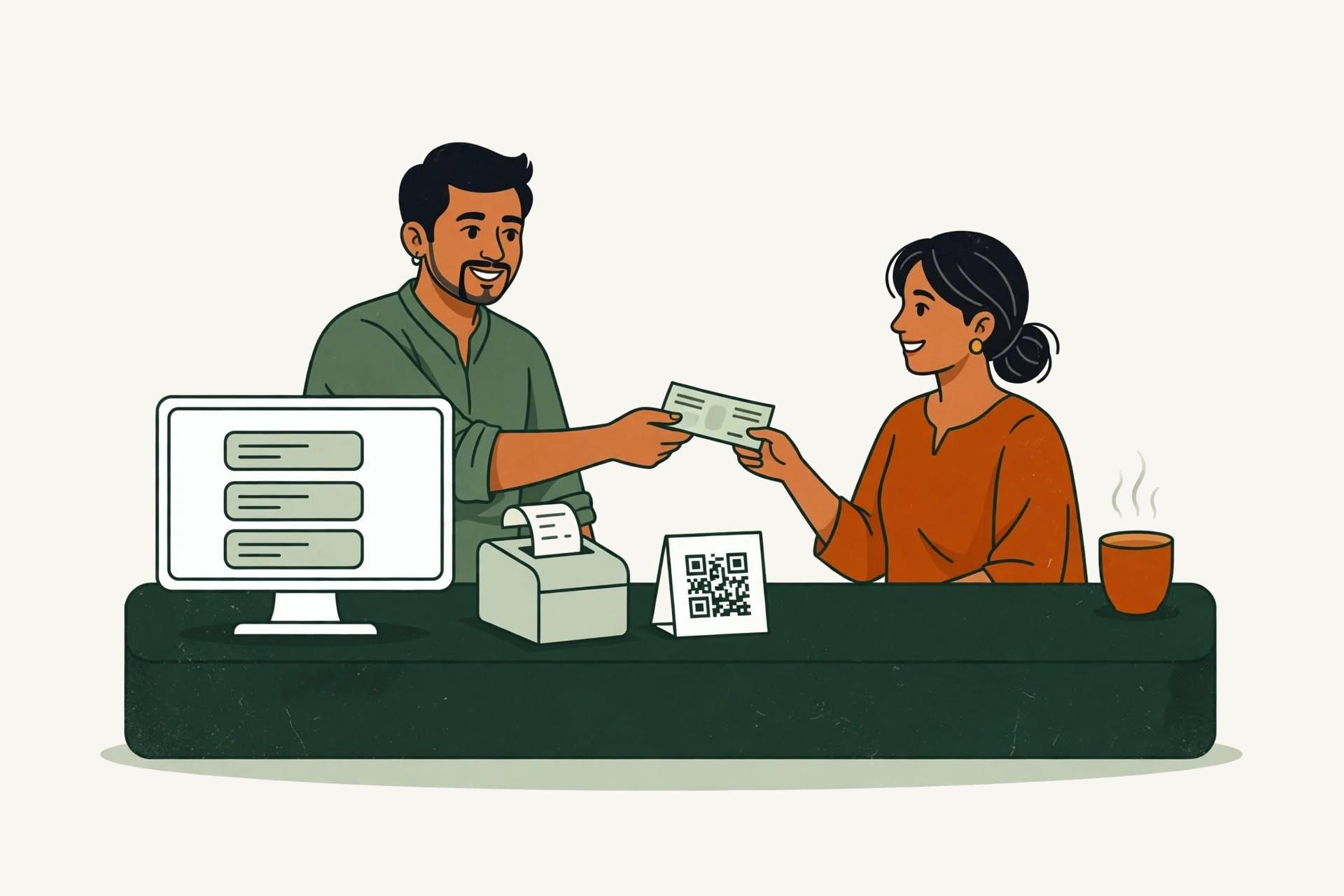
Dine-in, takeaway and delivery bills with GST invoices in rupees, split and merged bills, and every payment method.
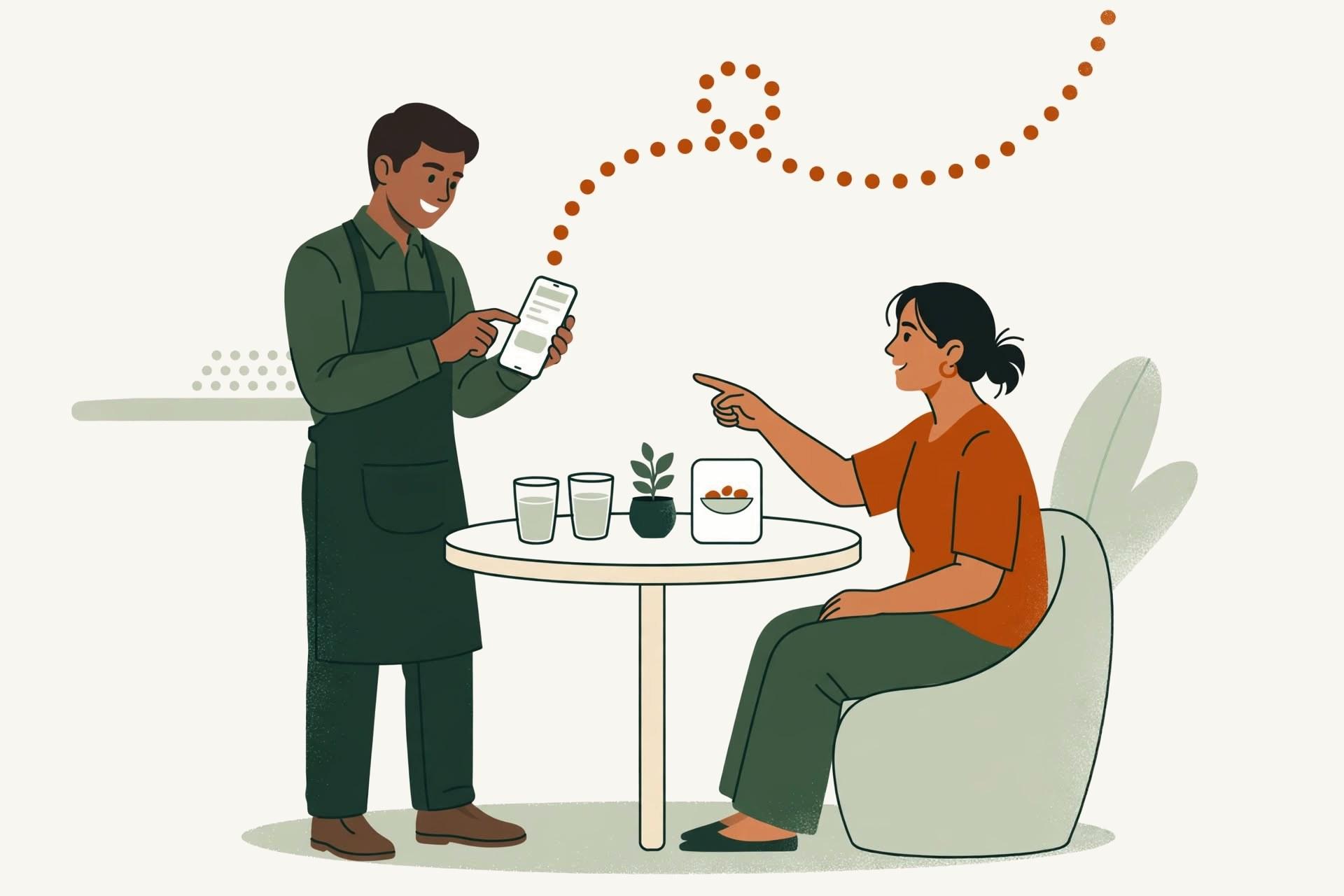
Tables and KOT
Seat tables, send KOTs to the kitchen printer, transfer and merge orders, and see what is pending at a glance.
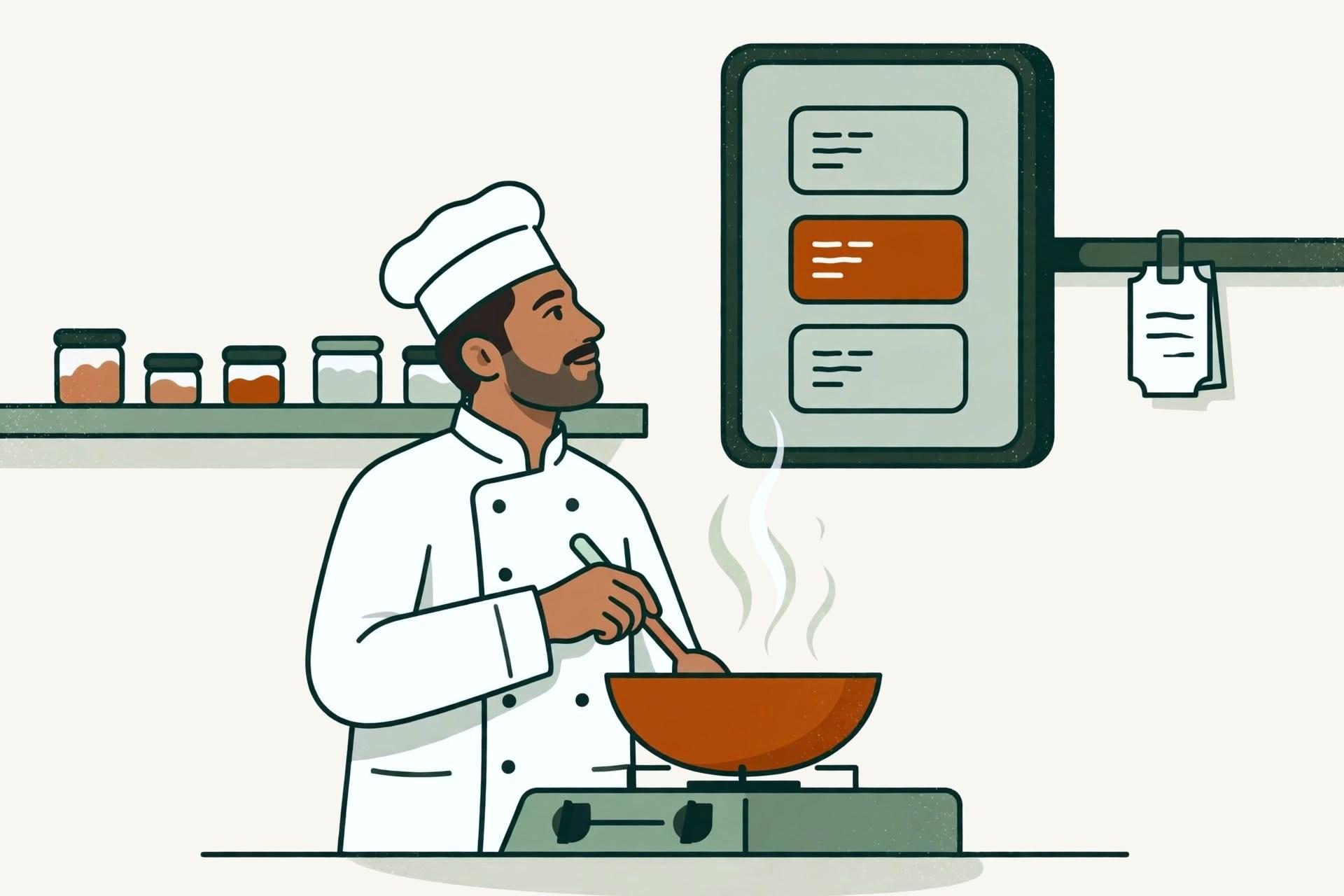
Kitchen display
Tickets appear on kitchen screens the moment they are sent, with sounds, timers and an expo view.
Swiggy & Zomato
Online orders land on one board next to your own, ready to accept and send to the kitchen.
Stock and menu
Recipes, low-stock alerts, categories and menu import from Excel, CSV or even a photographed PDF menu.
Staff and payroll
PIN sign-in, roles and permissions, attendance, shifts, leaves and payroll in one HR section.
Reports for your CA
Daily sales, GST summaries and analytics, with Excel and PDF exports ready to hand over.
Works offline
The till runs on your counter PC without internet. Sales are copied to the cloud whenever it is online.
How it fits together
- 1 · Counter PC
Install POStik on the restaurant PC. It holds the orders, prints, and keeps working offline.
- 2 · Tablets and kitchen screens
Waiters and the kitchen open the PC's address on the restaurant Wi-Fi. No internet needed.
- 3 · This website
The PC copies the restaurant to the cloud. Sign in with the owner email to see every screen and report from anywhere.